Navigation

    SmartAPI Forum
    • Register
    • Login
    • Search
    • Categories
    • Popular
    • Groups
    • FAQs
    • API Docs

    Unable to whitelist IP as somebody already used.

    Bugs
    3
    6
    28
    Loading More Posts
    • Oldest to Newest
    • Newest to Oldest
    • Most Votes
    Reply
    • Reply as topic
    Log in to reply
    This topic has been deleted. Only users with topic management privileges can see it.
    • S
      Shikha 0 last edited by

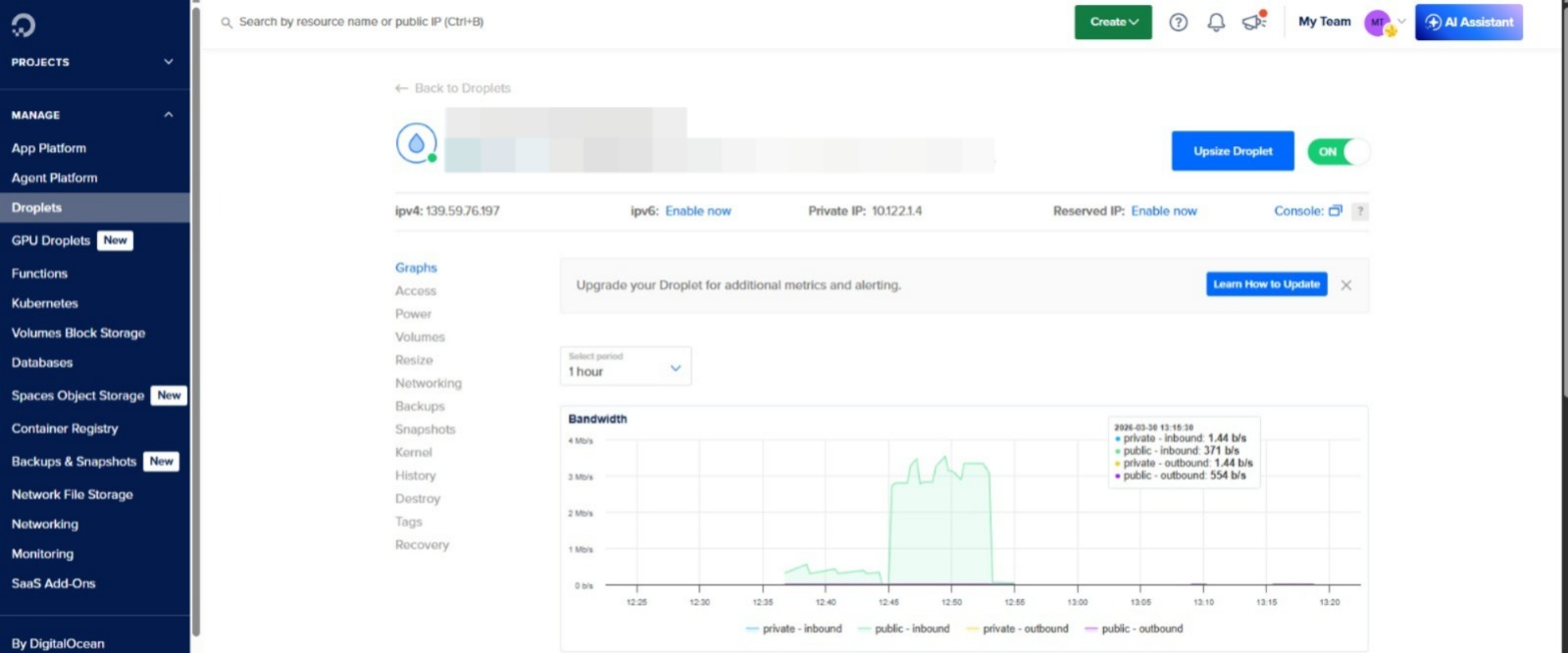
      1bfed34a-bd92-44ad-a701-9babb6a818dd-image.png
      As you can see in the screenshot that this is my server and this is my IP when I tried to enter it in angelone api it shows that it's been used in another api.
      It seems like somebody has mistakenly or randomly added this ip in their api.
      Do you have any mechanism to verify that I am real owner of this IP?
      Please guide me.

      A 1 Reply Last reply Reply Quote 1
      • A
        algo_trading_50 @Shikha 0 last edited by

        @shikha-0 Create a new static IP and attach to your droplet.

        S 1 Reply Last reply Reply Quote 0
        • S
          Sejpalsinh @algo_trading_50 last edited by

          @algo_trading_50 I got the same issue, But creating reserved IP and attaching to droplet will not resolve the issue as while making API call it will take private IP at API end server. AngelOne should to put IP ownership verification while adding the IP.

          A 1 Reply Last reply Reply Quote 0
          • A
            algo_trading_50 @Sejpalsinh last edited by

            @sejpalsinh As the name suggests, "private" IP are only allowed between different droplets and not outside the Digital Ocean. Kindly try again and make sure you are attaching a new static IP with your existing droplet.

            S 1 Reply Last reply Reply Quote 0
            • S
              Sejpalsinh @algo_trading_50 last edited by

              @algo_trading_50 Correct, I mean IPv4 shown in the left side top not the private IP or Reserved IP. I have tested it with another broker also. It does not work with Reserved IP.

              A 1 Reply Last reply Reply Quote 0
              • A
                algo_trading_50 @Sejpalsinh last edited by

                @sejpalsinh As mentioned earlier, create a new static IP from Networking page and attach the IP with your instance of droplet.

                1 Reply Last reply Reply Quote 0
                • First post
                  Last post